Simple Parental Controls
for
Every Family
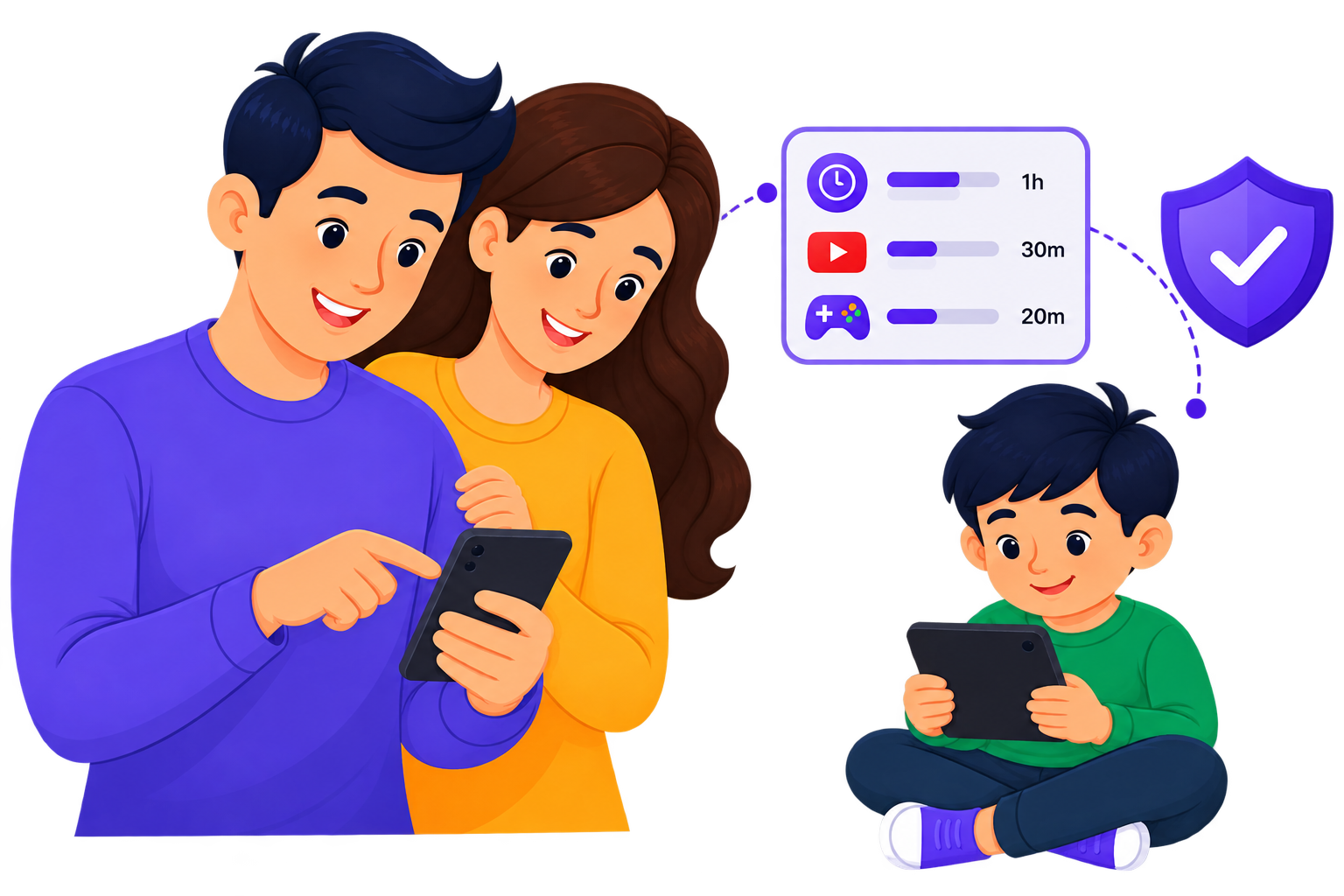
KidSecure helps you set healthy screen-time limits, manage app access, stay aware of your kid’s location, and support healthier digital habits – without making parenting feel like surveillance.

What is KidSecure?
Nowadays, kids are spending more time online, and parents need practical tools to manage screen time, app access, and digital safety without constantly checking their kid’s device.
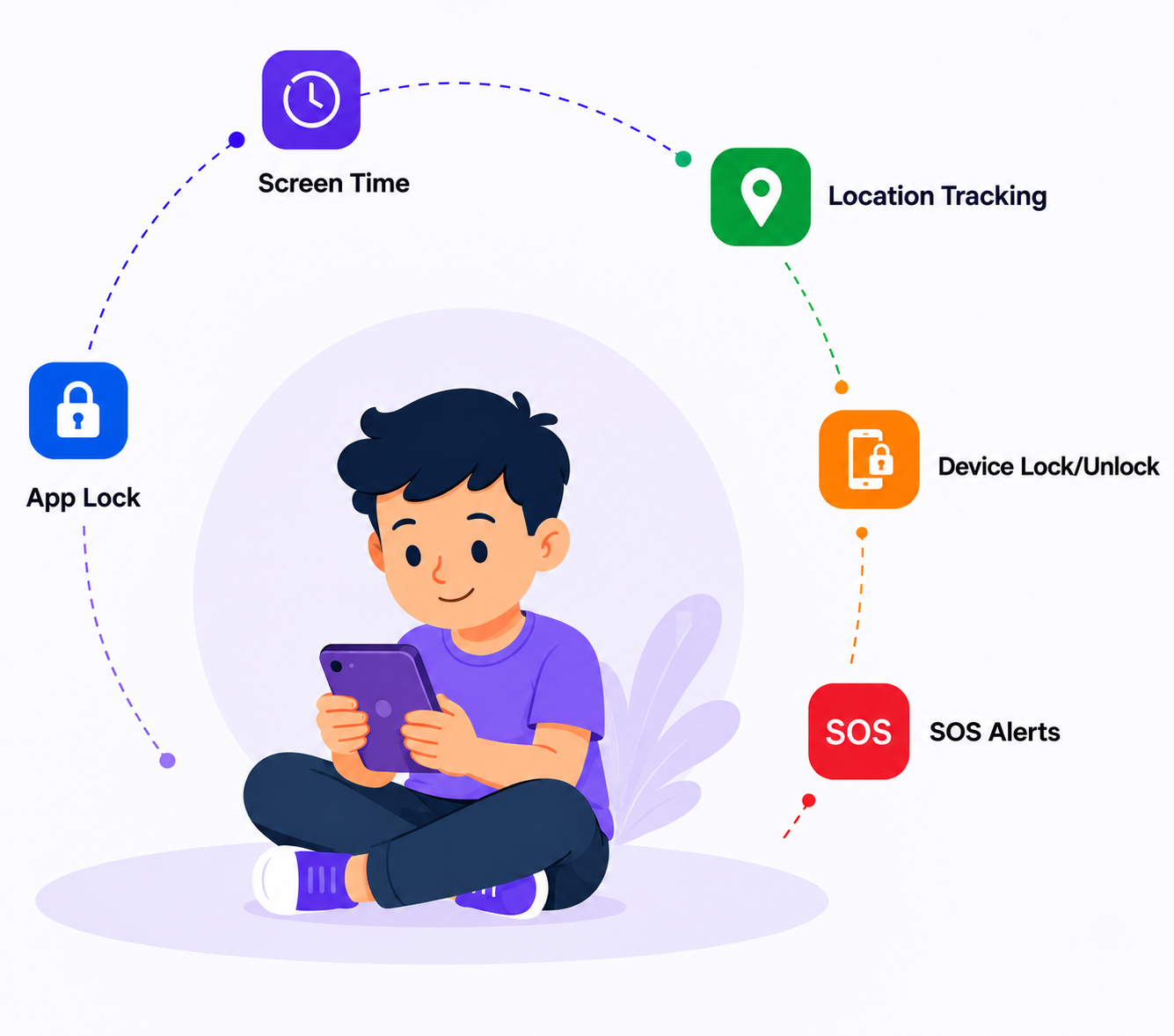
KidSecure is a parental control app that brings these parental controls together on a single platform, helping parents manage screen time, control app access, track their kid’s location, and support kid safety.
It helps parents create healthy digital boundaries while giving parents greater visibility and control.
Key Capabilities
Why parents choose KidSecure:
Balanced Screen Time
Help kids develop balanced and responsible screen time habits.
Complete Parental Controls
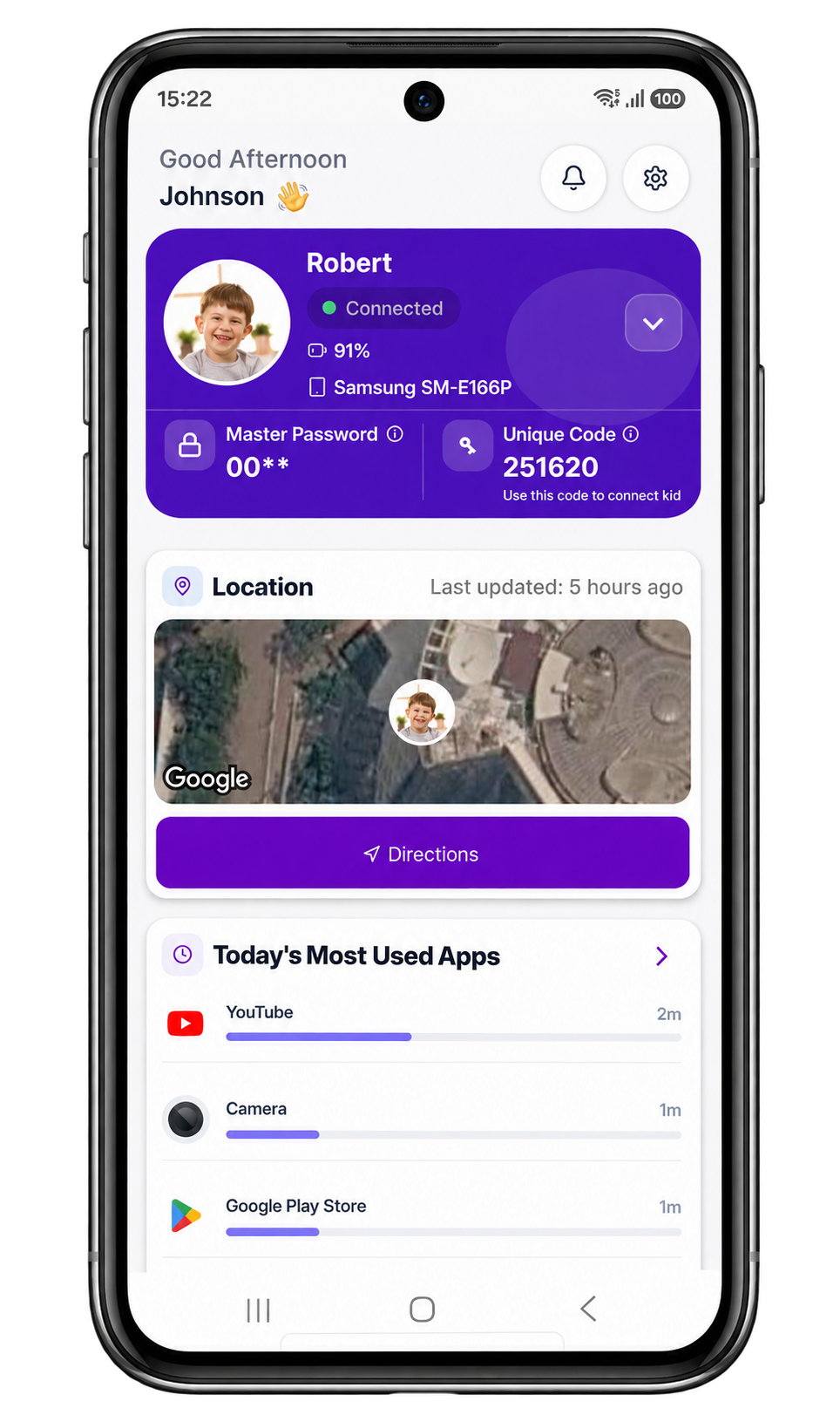
Manage apps, screen time, location tracking, and kid safety from one place.
Stay Connected
Stay informed about your kid’s digital activity without constant checking.
Simple & Secure
Easy to set up, easy to manage, and built with your family's privacy in mind.
KidSecure Modes

Parent Mode
Manage your kid’s digital
world from your own phone.
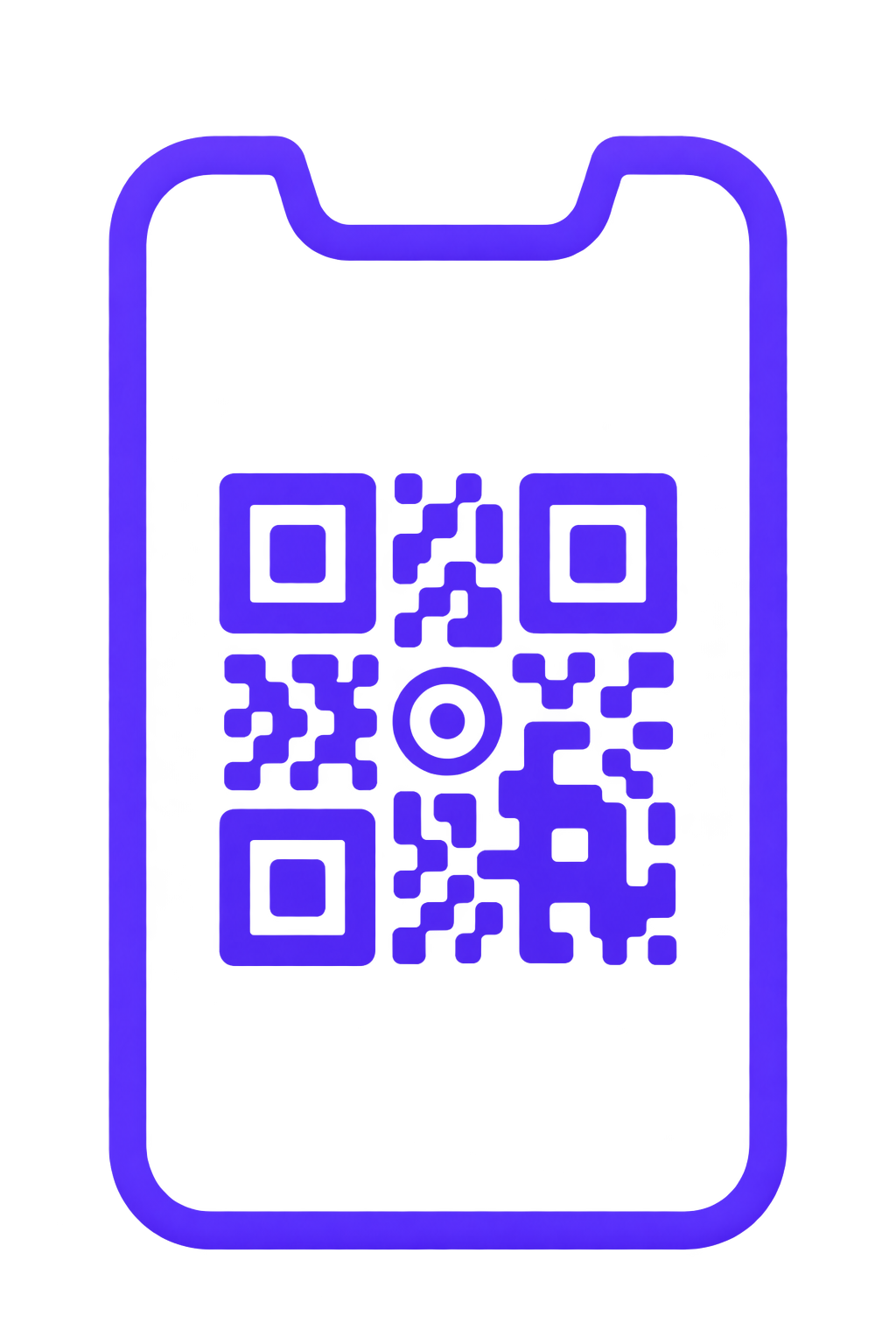
Install KidSecure on your device, select Parent Mode, connect to your kid’s device using a QR code or unique connection code, and remotely manage screen time, apps, location, and safety.

Kid Mode
A safe and guided
experience for your kid.
Install KidSecure on your kid’s device and select Kid Mode. Once paired with the Parent app, your kid can use the device while you manage settings remotely.

Web Portal
Monitor from your
PC or laptop.
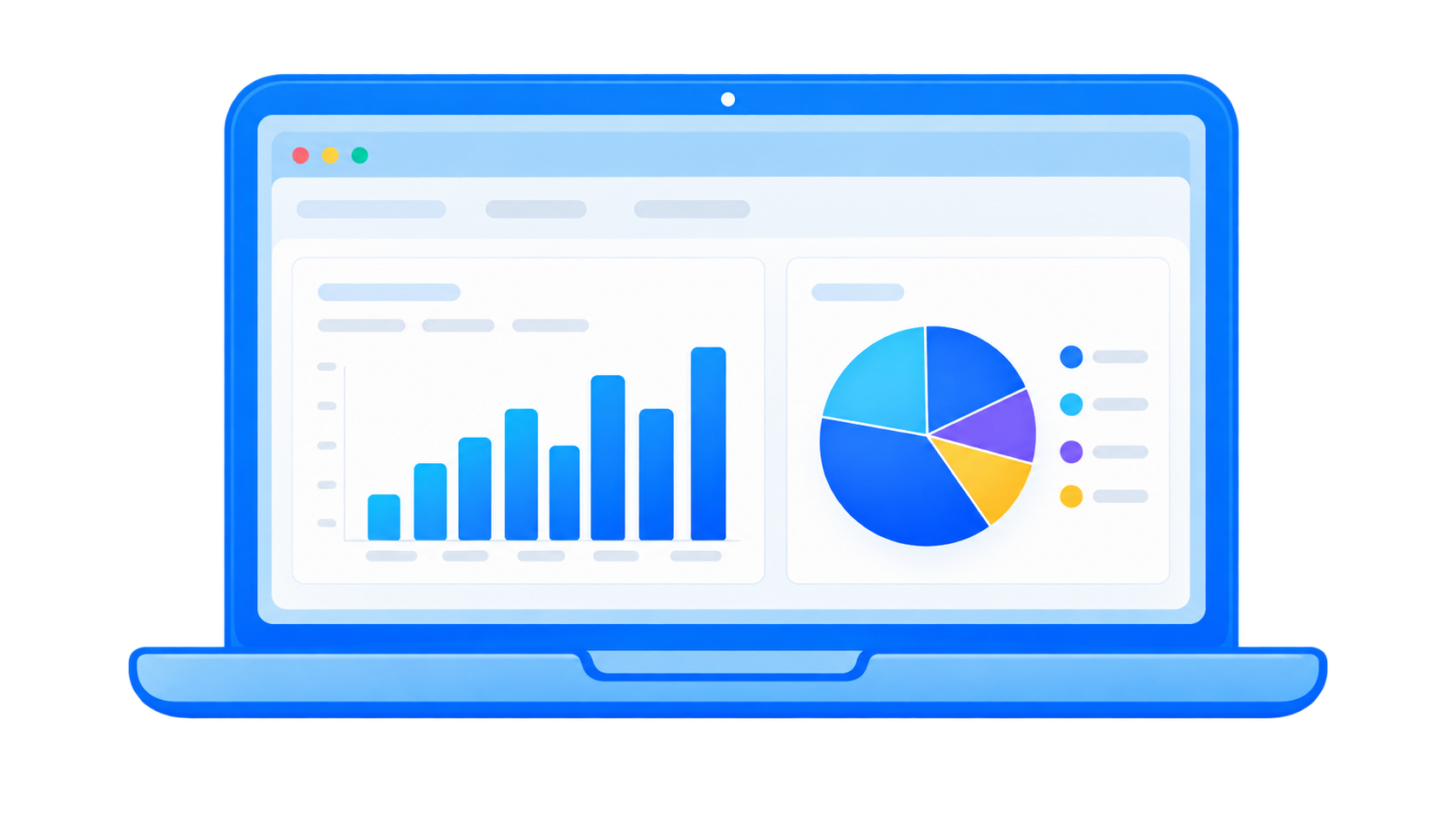
Sign in to the KidSecure web portal to monitor your kid’s device, manage settings, and review activity from your computer.
Features
Simple tools to help families build healthier digital habits.
1.
AppLock &
Time Limits
Lock apps and set daily app time limits for your kid. Once the limit is reached, the app locks automatically.
2.
Remote Device
Lock/Unlock
Lock or unlock your kid’s device instantly from your phone whenever needed.
3. Find My Phone
Quickly locate your kid’s misplaced phone using the Find My Phone feature.
4.
Screen Time
Limits
Set different rules for school time, homework time, or bedtime. KidSecure applies them automatically every day.
5. Location Tracking
Check your kid’s GPS location from your device whenever you need to stay informed.
6. Geofencing
Set safe zones for home, school, or a friend's house, and get an alert when your kid arrives or leaves.
7. SOS Alerts
Your kid can send an instant alert from their device if they ever feel unsafe, so you can respond quickly.
8.
Daily Activity
Reports
A clear daily summary of your kid’s app usage and screen time, delivered to your inbox.
9.
Multi-Device
Management
Manage up to 5 kids’ devices from one parent account.
10.
Cellular Data
Usage Tracking
KidSecure helps you track your kid’s cellular data usage daily.
11.
Remote Parent
Controls
Manage your kid’s device remotely from your own device or web portal. Set rules, manage access, and stay informed.
12. Web Portal Access
Manage your kid’s device from a PC or laptop through the KidSecure web portal whenever it’s more convenient.
How It Works?
Pricing
Choose the plan that's right for your family.
Free Features
Always Free- Setup Kids Device
- Allow / Restrict Apps
- SOS
- Contact Parent
- Device Lock/Unlock
- Find my Phone
- Daily Reports
- App Time Limits
- Screen Time Limits
- Geofence
- Location Tracking
Basic Plan
Essential Protection- Setup Kids Device
- Allow / Restrict Apps
- SOS
- Contact Parent
- Device Lock/Unlock
- Find my Phone
- Daily Reports
- App Time Limits
- Screen Time Limits
- Geofence
- Location Tracking
Premium Plan
Complete Protection- Setup Kids Device
- Allow / Restrict Apps
- SOS
- Contact Parent
- Device Lock/Unlock
- Find my Phone
- Daily Reports
- App Time Limits
- Screen Time Limits
- Geofence
- Location Tracking
FAQ's
Find answers to common questions about KidSecure.
Loading FAQ's…
More Confidence.
Better Digital Habits.
Start your 30-day free trial and simplify screen time management, app access, and kid safety with KidSecure.
Start Your 30-Day Free Trial Download on Google Play